
From the list to the saw
Features
Cut lists, sheet layouts, cabinets, calculations, materials, documents, clients, projects and your team.
-
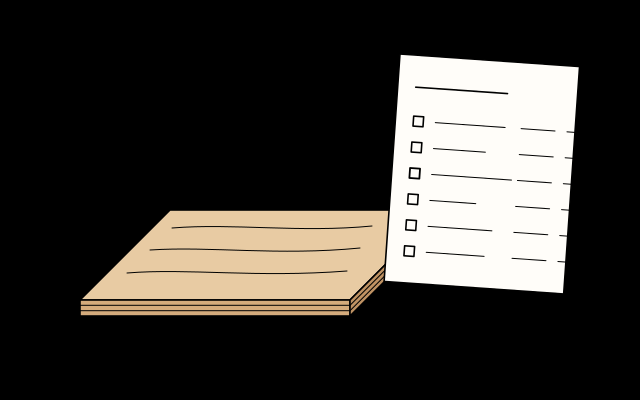
Cut lists
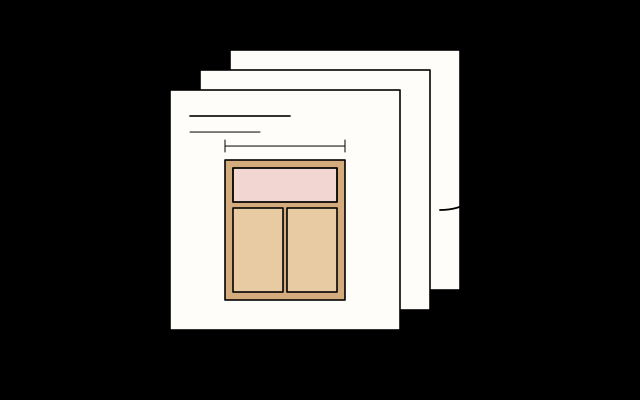
Every part in one list, with size, grain, banding and allowances.
- Size, quantity, material and grain for every part
- Edge banding with its thickness taken off
- Part labels, in millimetres or inches
-
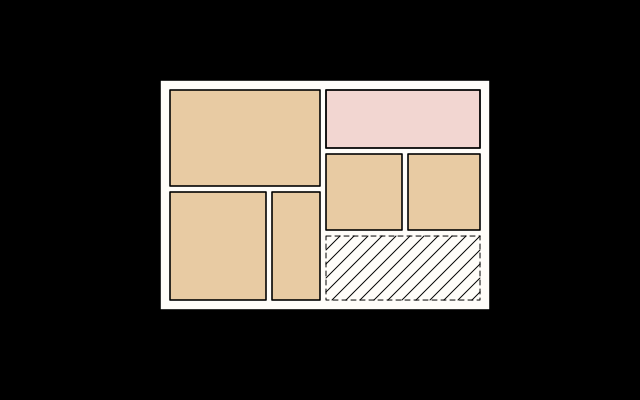
Sheet layout
Parts placed on sheets and lengths, with the kerf taken off and offcuts kept.
- The kerf of your blade taken off every cut
- Several projects laid out on shared sheets
- Usable offcuts kept for the next project
-
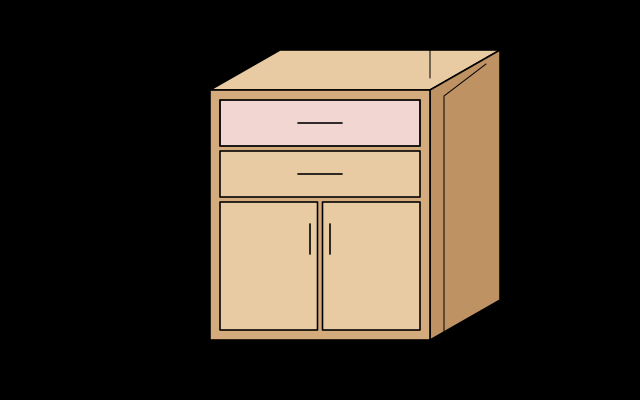
Cabinet design
Cabinets from templates, with doors, drawers, drilling and hardware worked out.
- Base, wall and tall cabinet templates
- Doors and drawers sized from the opening
- Drilling positions and hardware counts
-
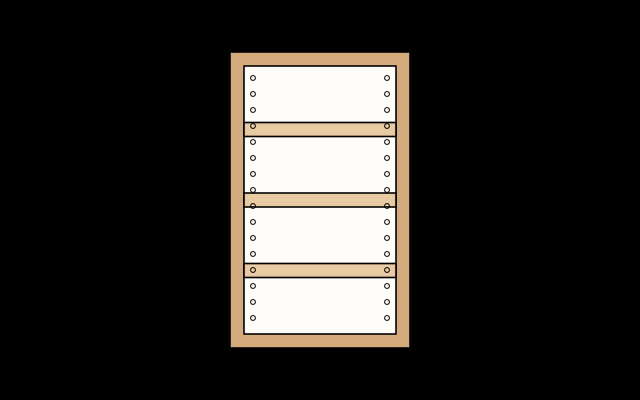
Workshop calculations
Spacing, divisions, angles, joints and shelf spans, with no sums by hand.
- Equal spacing and divisions
- Shelf-pin rows and miter angles
- Shelf sag and wood movement checks
-
Materials, tools and costs
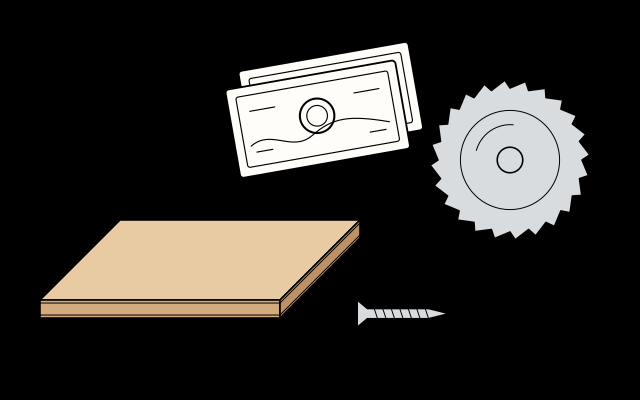
Boards, hardware and saw blades in one place, with shopping lists and costs.
- Sheets, solid wood and hardware
- Saw blades with their kerf
- Shopping lists, costs and client quotes
-
Workshop documents
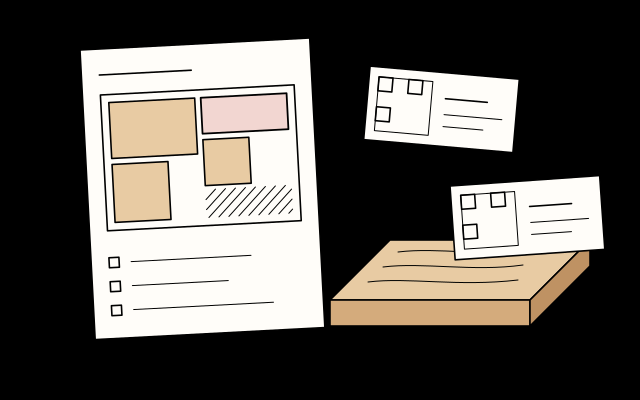
Cutting order, cut sheets, labels and files for the saw, the CNC and the supplier.
- A cutting order for a panel or track saw
- Cut sheets and part labels with QR codes
- Files for CNC machines and suppliers
-
Agenda and clients
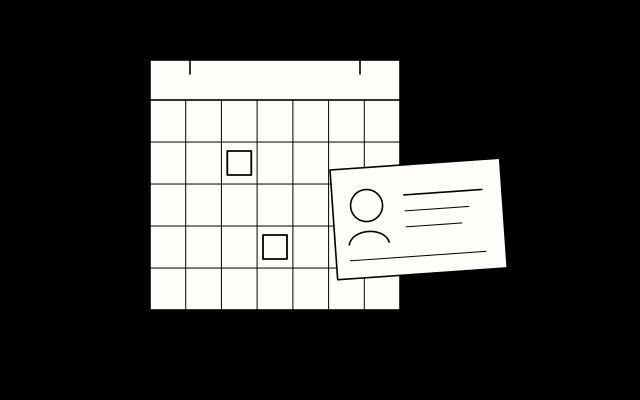
Clients, projects and workshop dates in one place.
- A client list with every project
- An agenda for measuring, cutting and assembly
- Reminders to follow up with clients
-
Project library
Every project saved, ready to reuse, resize or share.
- Duplicate a past cabinet and resize it
- Your own templates and change history
- A view-only link for your client
-
Team and workshop
Share the work with your team and see what is done.
- Invite your team with their own roles
- Assign cutting, banding and assembly
- Progress from ticked parts and scanned labels

Be among the first to try PlotBase
Join the early access list. I will email you when the first version is ready.